
Network Unlock and IMEI Repair for Google Pixel
Professional services for Google Pixel devices. Live model pricing, secure credit payments, and verified results you can trust.
Windows release 3.7.1 availableBuild 371 · Read release notes
Trusted by professionals
worldwide Recorded service
outcomes Secure payments
and data
worldwide Recorded service
outcomes Secure payments
and data
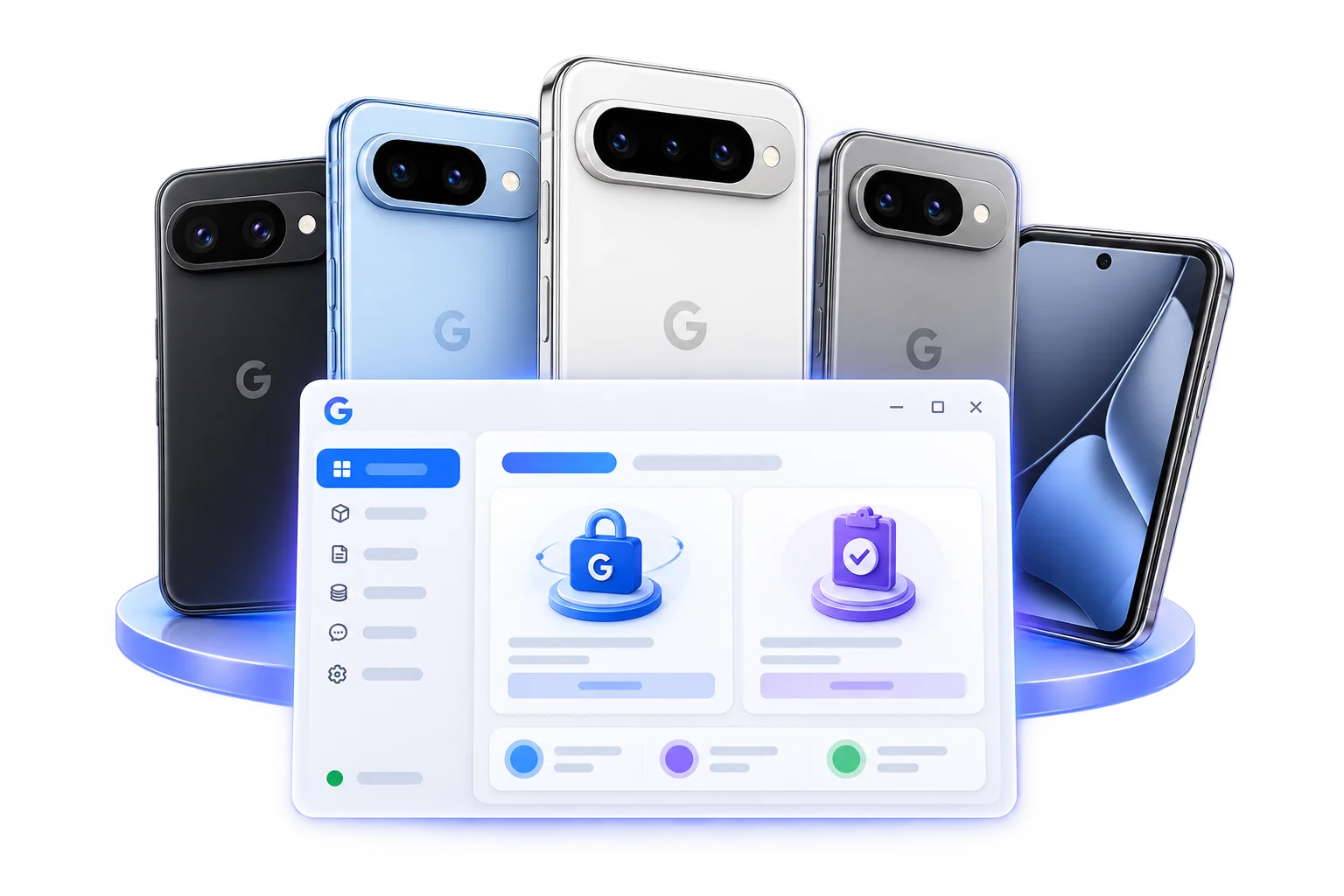
Supported Google Pixel Models
View all models & prices → Pixel 11 Series
Pixel 11 · Pixel 11 Pro · Pixel 11 Pro XL
Pixel 11 Series
Pixel 11 · Pixel 11 Pro · Pixel 11 Pro XL
 Pixel 10 Series
Pixel 10 family · Pixel 10 · Pixel 10 Pro
Pixel 10 Series
Pixel 10 family · Pixel 10 · Pixel 10 Pro
 Pixel 9 Series
Pixel 9 · Pixel 9 Pro · Pixel 9 Pro XL
Pixel 9 Series
Pixel 9 · Pixel 9 Pro · Pixel 9 Pro XL
 Pixel 8 Series
Pixel 8 · Pixel 8 Pro · Pixel 8a
Pixel 8 Series
Pixel 8 · Pixel 8 Pro · Pixel 8a
 Pixel 7 Series
Pixel 7 · Pixel 7 Pro · Pixel 7a
Pixel 7 Series
Pixel 7 · Pixel 7 Pro · Pixel 7a
 Fold SeriesPixel Fold · Pixel 9 Pro Fold · Pixel 10 Pro Fold
How it works
- 1 Connect your PixelChoose your Google Pixel model.
- 2 Check final priceSee the complete final price upfront.
- 3 Run serviceStart the service using our desktop tool.
- 4 Receive verified resultGet your verified result with confidence.
Example Price Preview
Clear total prices for Network Unlock and IMEI Repair. Final prices shown upfront with no hidden fees.
Why professionals choose GPixel Pro Tool
Frequently asked questions
What devices are supported?⌄
Use the live Models & Prices catalogue to see supported Pixel devices. The desktop application confirms final availability from the connected phone before service begins.
Are results recorded?⌄
Yes. Every authorized operation records timestamps, status, device identity, credit activity, and a verifiable result.
How does credit usage work?⌄
The tool shows a live quote, reserves the confirmed amount, verifies the operation result, and only then captures the required credits.
What do I need to get started?⌄
Use a 64-bit Windows 10 or Windows 11 workstation, a reliable USB data cable, authorized USB debugging, internet access, an active account, and enough credits.
Is an internet connection required?⌄
Yes. The desktop tool needs internet access for sign-in, service availability, live pricing, protected processing, and result verification.
Where can I see full service details?⌄
Sign in to view your available services, model eligibility, current prices, release downloads, and complete operation history.