
Professional Windows desktop workspace
Professional Pixel Service Tool for Windows
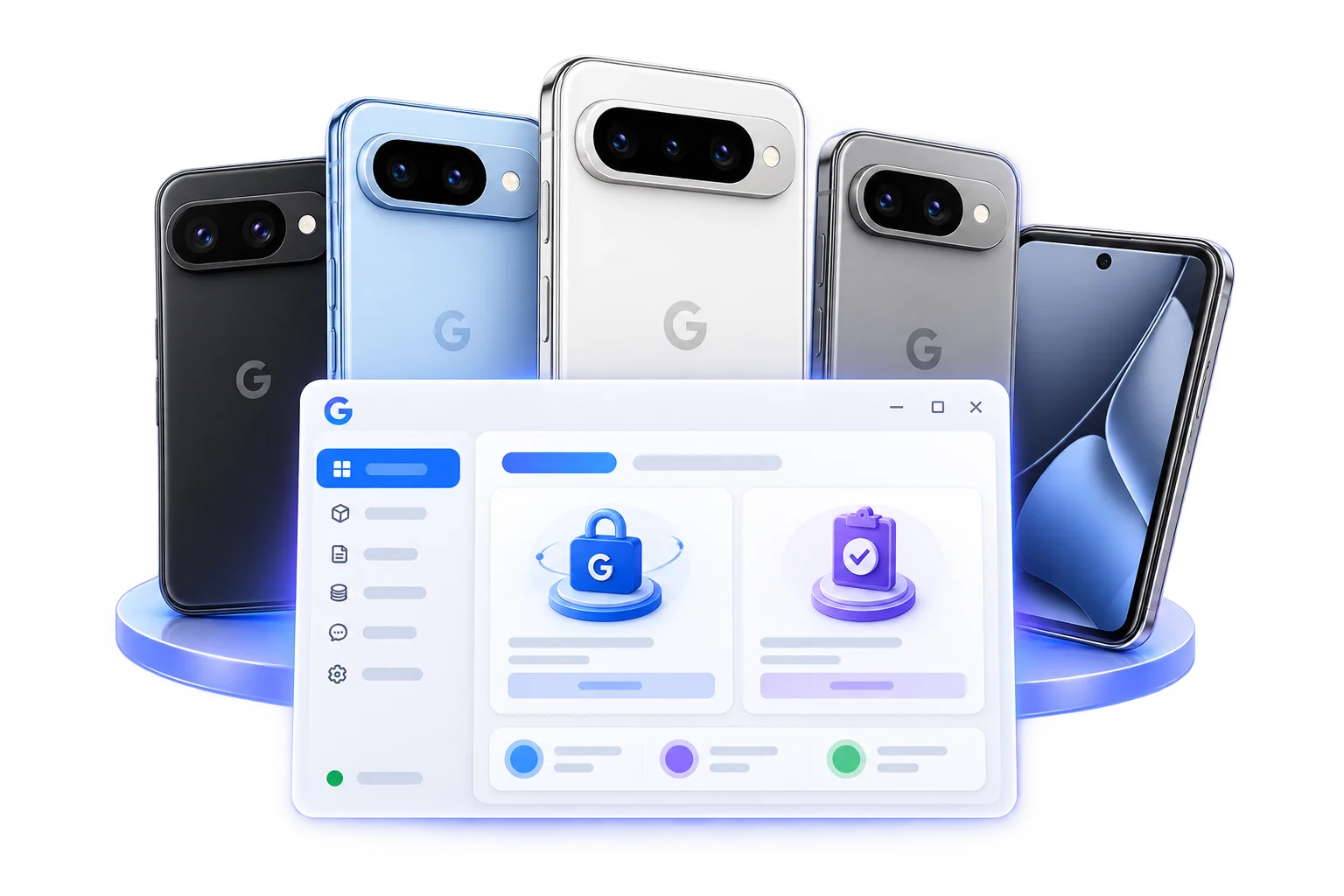
GPixel Pro is an independent Windows desktop service tool for technicians, repair businesses, and approved resellers working on Google Pixel devices they own or are authorized to service. It identifies the connected device, checks live model and firmware compatibility, confirms the complete price, guides processing, and records the verified result.
Last reviewed
Why service teams trust GPixel
- Live compatibilityModel and software checked before work begins
- Clear credit pricingCurrent cost confirmed before authorization
- Authorized serviceFor devices you own or are permitted to manage
- Recorded outcomesCustomer-safe status and credit history
Plain-language answer
What is GPixel Pro?
GPixel Pro combines a Windows desktop application with server-managed compatibility, pricing, authorization, credit, and result controls. The connected phone—not a manually selected model name—is used for the final service decision.
GPixel is an independent third-party service platform. It is not affiliated with, endorsed by, or an official product of Google LLC.
Professional workspace
Built for authorized service professionals
Use one controlled workspace to identify a Pixel, review eligibility and price, run the approved workflow, and inspect the recorded outcome.
USB device identification and live compatibility lookup
Server-confirmed price before processing
Customer-visible operation and credit history
Core capabilities
Everything required for a clear service decision
GPixel keeps the device, account, quote, workflow, and terminal result connected throughout the operation.
Automatic device information read
Exact model and firmware compatibility check
Network Unlock and IMEI Repair availability
Upfront first-operation and repeat pricing
Guided progress with customer-safe milestones
Recorded completion, failure, release, or refund state
Guided workflow
From connected Pixel to recorded result
The desktop confirms each important boundary before the next stage begins.
- 1Connect and authorize one Google Pixel
- 2Read the exact model, build, and device state
- 3Check live compatibility and complete price
- 4Confirm authorization and reserve credits
- 5Run the guided service while the connection stays active
- 6Verify the final result and settle the credit record
Compatibility is checked before paid processing
A family name alone is not enough. GPixel checks the exact connected device and current server policy. Unsupported models or builds stop with a clear message before the customer authorizes paid processing.
- Exact standard, Pro, XL, Fold, and A-series model match
- Current Android build and device-state check
- Live service availability rather than an old screenshot
- Recheck after major Android or security updates
See the complete price before you approve
Public model pages show the current complete credit price. The desktop confirms that amount again for the exact connected device before any reservation is created.
- No hidden operation fee
- First-operation and repeat prices shown separately
- Successful verification captures the reservation
- Safe failures release credits for review or reuse
Desktop editions
Choose the desktop edition assigned to your account
Nexus Tool is the standard customer application. GPixel 3D Bulk is available only to eligible bulk accounts through the protected customer download area.
| Edition | Best for | Availability |
|---|---|---|
| Nexus Tool | Individual technicians and repair shops | Default verified Windows download |
| GPixel 3D Bulk | Approved high-volume service teams | Shown only to eligible signed-in accounts |
Verifiable operation history
Evidence you can verify
A progress percentage alone is not proof of success. GPixel records the server-verified terminal state together with customer-safe operation and credit history.
- Connected model and build
- Authorization and quote confirmation
- Customer-safe progress milestones
- Verified terminal outcome
- Credit capture, release, or refund record
- Support reference for recovery review
Official release channel
Current verified Windows release
The product page, download page, updater, and release notes use the same published Nexus release record. Install only from the official GPixel release channel and compare the displayed version before opening the file.
- Status
- Published
- Edition
- Nexus Tool
- Version
- 3.7.0
- Build
- 370
Safe support
Support without exposing private device data
Customer messages explain what happened and the next safe action. If support review is required, share the customer-safe operation reference and exact visible error—not passwords, tokens, signing material, or unrelated personal data.
Read security guidance Open help and guidesClear answers
Pixel service tool frequently asked questions
Which Google Pixel models does GPixel Pro support?
Use the live Models & Prices catalogue for current published models. The Windows tool performs the final check against the exact connected phone, software build, account, and active service policy.
What do I need to run the Pixel service tool?
Use a supported 64-bit Windows 10 or Windows 11 workstation, a reliable USB data cable, authorized USB debugging, stable internet access, an active account, and the current verified desktop release.
Can I see the complete price before processing?
Yes. Public model pages show the current complete credit amount, and the desktop confirms the final price again before the customer authorizes the operation.
How does firmware compatibility work?
GPixel reads the complete build from the connected device and compares it with current server-managed compatibility. A listed model can still be unavailable on an unsupported build or device state.
What happens if an operation does not complete?
The desktop displays the exact customer-safe error and next action. Failed or unverified work must not be presented as successful; reserved credits are released or held for an explicit recovery review according to the recorded server state.
What is the difference between Nexus Tool and GPixel 3D Bulk?
Nexus Tool is the default customer desktop application. GPixel 3D Bulk is intended for approved high-volume accounts and appears in the protected download area only when the account is eligible.
Is GPixel Pro affiliated with Google?
No. GPixel Pro is an independent third-party service platform and is not affiliated with, endorsed by, or an official product of Google LLC. Google Pixel and Android are trademarks of their respective owners.
Verified next step
Start with the exact model and current release
Review live compatibility and the complete price, then download the verified Windows application for the final connected-device check.